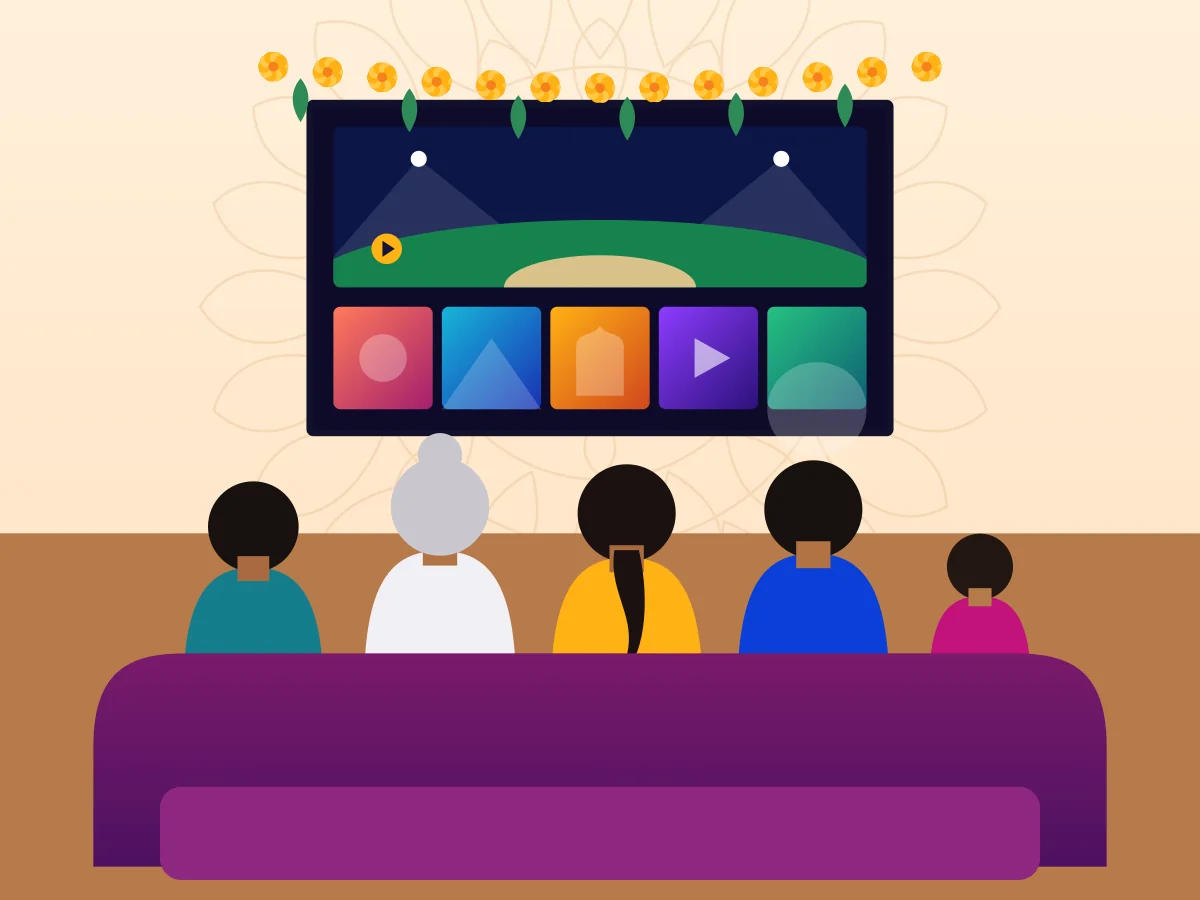
The joint family on match night
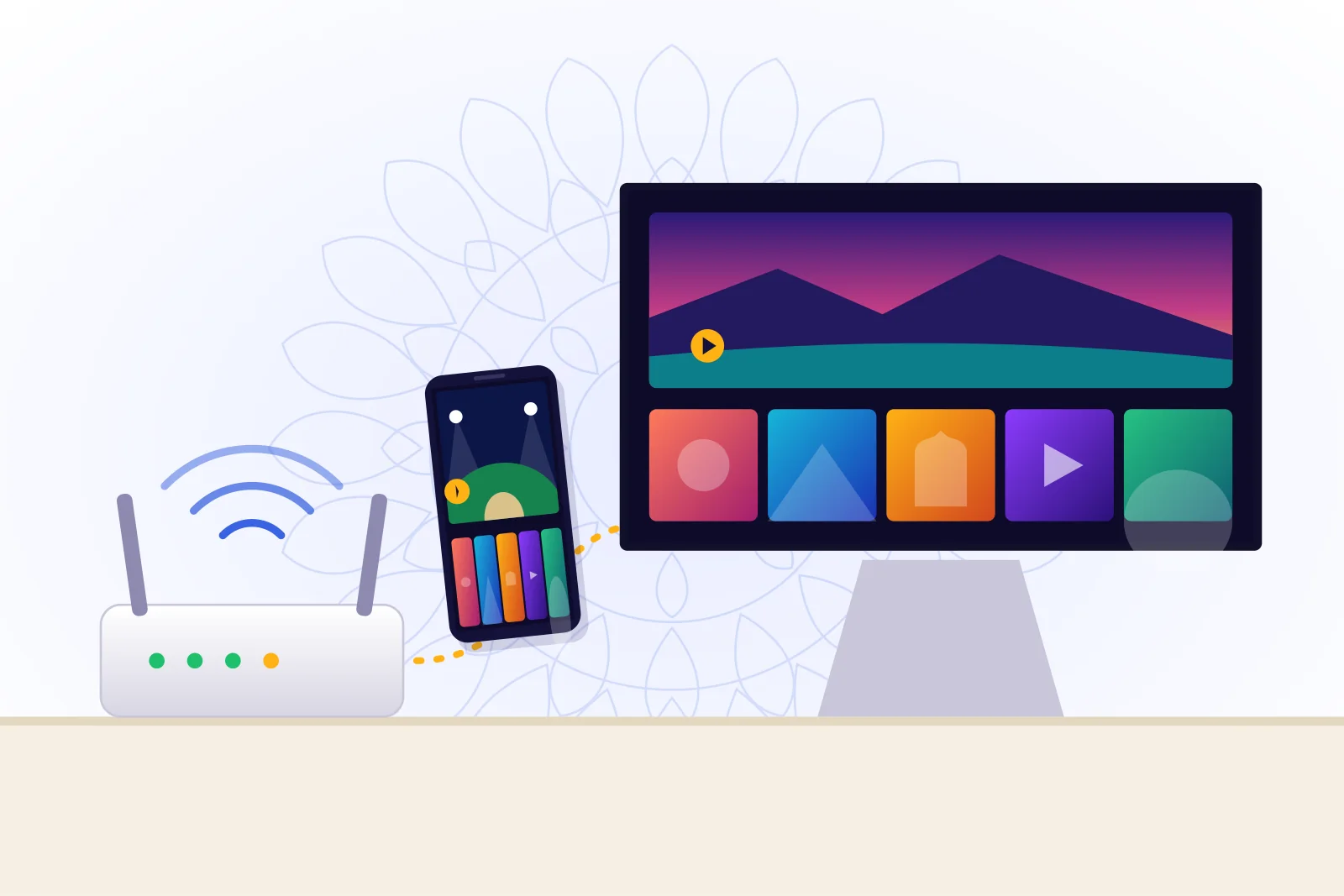
One big TV, five opinions. They need sport that holds up when the whole building is online, so we start with a cable to the TV and a test before the day of the match.
Tashan IPTV for Indian homes, here and abroad
Tashan IPTV brings premium national and international channels, films, series and sports to your Smart TV, phone or streaming stick over your home broadband. No dish and no installer visit. Tell us your TV model on WhatsApp and we will check it works before you pay.
From $17 for 1 month, or $5.42 a month on the 12-month plan.


The plain explanation
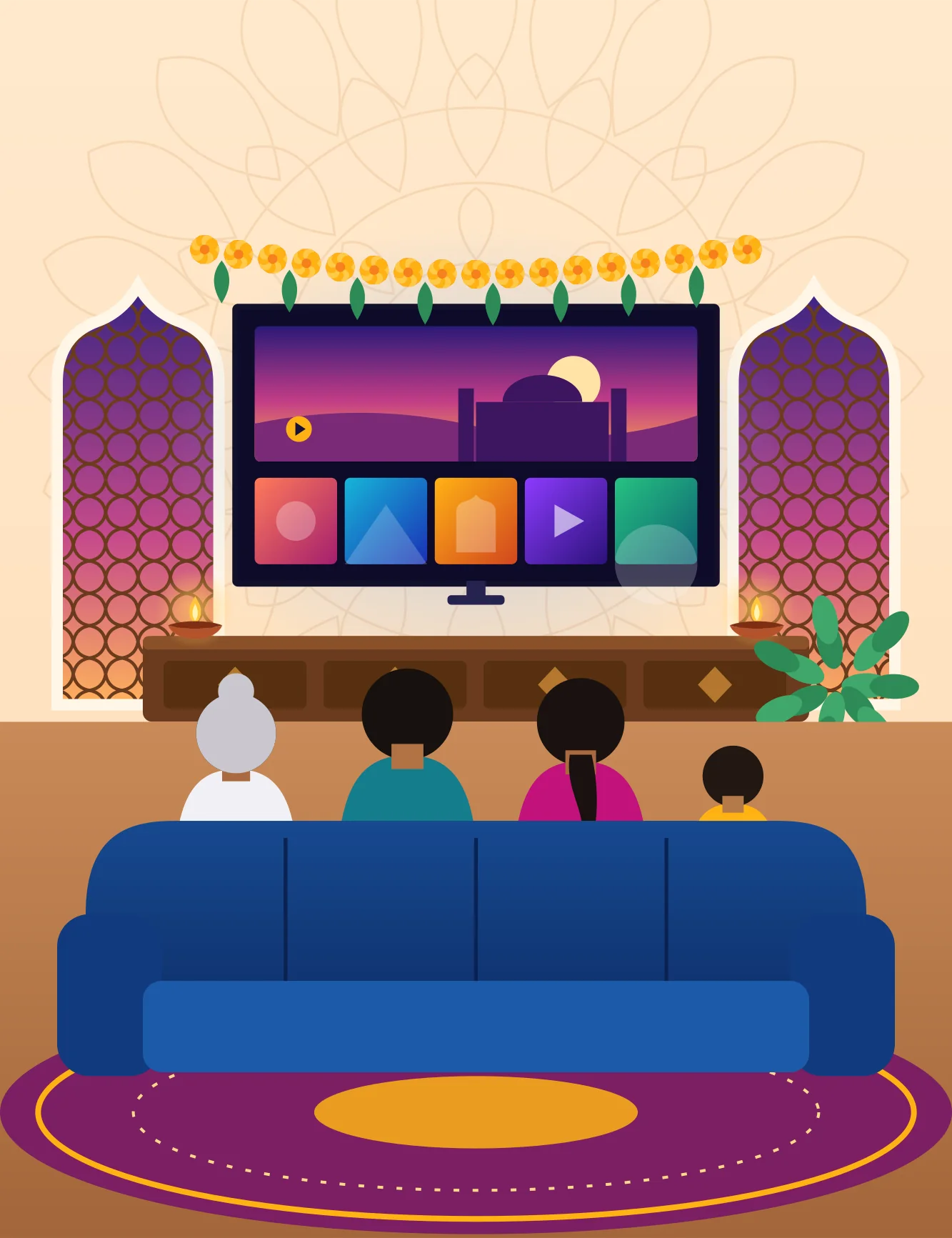
IPTV means television delivered through your internet connection instead of a dish or cable. You install a player app, enter the login we send you, and your channels, films and series appear in one menu.
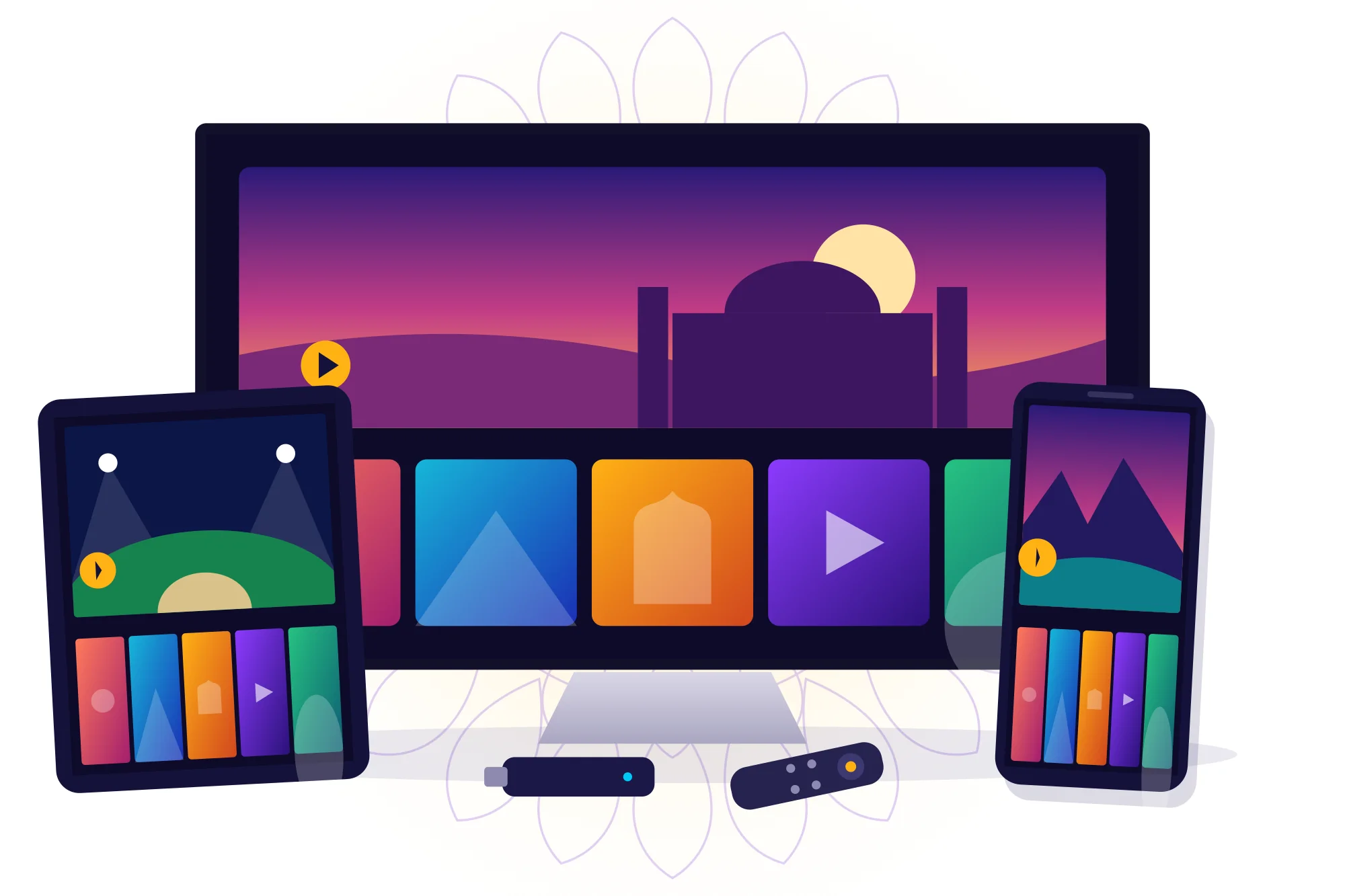
Because it runs on broadband, the same subscription can work on the TV in the hall or on a phone during a hostel stay. Because it runs on broadband, it also needs a steady connection, so we would rather help you test that first than sell you a plan that disappoints.
Three courtyards, one remote
Every household argues over the remote differently. Here is how the service is laid out, and how to confirm the things you care about most.
Premium national channels sit beside international ones, grouped by category so you can find news, entertainment or kids’ programming without scrolling for ever.
Line-ups change over time. If there is one channel your family will not live without, ask us about it before you pay and we will give you a straight answer.
How channels are organisedThe on-demand library is for evenings when nothing on live TV suits everyone. Pause for dinner, pick it up after the children are asleep, or finish a series across a long weekend.
Your player app decides how search and subtitles look, so we help you choose one that suits your family.
How films and series workSport is the hardest test for any internet TV: everyone is online at once and nobody forgives a freeze at the last over. A cable to the TV and a test a day ahead make a real difference.
If you are buying for a particular tournament, tell us which one so we can confirm what to expect.
Prepare for match dayThe first question everyone asks
Choose what you have at home. If your device is not here, or you are not sure of the model, send us a photo of the back of the TV.
Most Smart TVs from the last several years can run a player app.
The quickest way to test the service, wherever you are in the house.
Tidy and reliable, with player apps available from the App Store.
A low-cost way to give an older HDMI television a second life.
Longer plans, lower monthly cost
The same service at every length. The only difference is how many months you pay for at once, so start short if you are unsure.
Try the service on your own TV and broadband before committing longer.
Choose 1 monthCovers a full cricket series or a long festive season at home.
Choose 3 monthsFor households already sure the setup suits them.
Choose 6 monthsThe lowest monthly cost, and one renewal a year to remember.
Choose 12 monthsPrices are in US dollars. If you pay from another currency, your bank or payment provider converts at its own rate.
Compare plans in detailDrawn one dot at a time
A kolam looks complicated until you see the dots. Setting up is the same: four small steps, and we stay with you for each one.
Send your TV or device model on WhatsApp, and anything you specifically want to watch.
Choose a length that suits you. We explain how to pay safely.
We send your details and tell you which player app to use. How activation works.
Test a live channel and a film together. If something looks wrong, send us a photo of the screen.
Support the way India already talks
No ticket numbers and no hold music. Send a message, a photo of the screen or a voice note in the same chat you use for family. Your whole setup history stays in one thread.

Namaste. Will this work on my parents’ TV? It’s about 8 years old.
Namaste! Please send a photo of the label on the back of the TV, and tell us if it has an HDMI port.
It has HDMI, but no app store that I can find.
Then a streaming stick is the simple answer. Once it’s plugged in, we will walk you through the rest.
Example conversation, to show how support works.
Who this suits
These are example households rather than customer reviews. They show the kind of setup we help with most.
One big TV, five opinions. They need sport that holds up when the whole building is online, so we start with a cable to the TV and a test before the day of the match.
A PG room or a flat abroad, with no dish and no landlord’s permission for one. A phone or laptop and a short plan is often all this person needs.
A son or daughter arranges everything. We help put the daily channels into favourites, so the remote feels familiar and the phone calls are fewer.
An honest comparison
IPTV is not the right answer for every home. This is how the options really differ.
| What matters | IPTV | DTH or cable | One streaming app |
|---|---|---|---|
| What you need | Broadband and a player app | Dish or cable line, plus a set-top box | Broadband and that app |
| Live channels | Yes, in the app menu | Yes, on familiar channel numbers | Limited or none |
| Heavy rain | Fine if your broadband holds | A dish signal can drop out | Fine if your broadband holds |
| Slow internet | Buffering: a real weakness | Not affected | Lower quality or buffering |
| Use on a phone | Yes | Varies by provider | Yes |
Before you message
The questions we hear most, in plain language. For fixes and account questions, the full FAQ goes deeper.
See all questionsTashan IPTV is a subscription that delivers live channels, films, series and sports over your home internet connection. You watch through a player app on your Smart TV, phone, tablet or streaming stick instead of through a dish or cable line.
A steady broadband connection and one compatible device. As a working rule, plan for around 10 Mbps per HD stream. You do not need a dish, and nobody has to visit your home.
If the TV has an HDMI port, almost certainly, with a streaming stick plugged in. Send us the model and we will tell you whether you need one at all.
Plans are $17 for 1 month, $33 for 3 months, $44 for 6 months and $65 for 12 months. Longer plans lower the monthly cost: the 12-month plan works out at about $5.42 a month.
Ask us on WhatsApp. We will tell you whether a trial is available right now, how long it lasts and what to test during it. You do not need to share any payment details to ask.
The service includes premium national and international channels, plus on-demand films, series and sports. Line-ups change, so we do not print a list here that could go out of date. Ask about the channels that matter to you and we will confirm them before you buy.
Most buffering comes from Wi-Fi rather than the service. Restart the router and device, try a cable, then send us your speed test result. We will help you work out where the problem sits.
Yes, under the conditions set out in our refund policy. Please read it before you buy, and message us as soon as something is not working so that we can try to fix it first.
Worth reading first
Welcome to WordPress. This is your first post. Edit or delete it, then start writing!
Tell us your TV model and what you love to watch. If we are the right fit, we will say so. If we are not, we will tell you that too.